Birdbrain
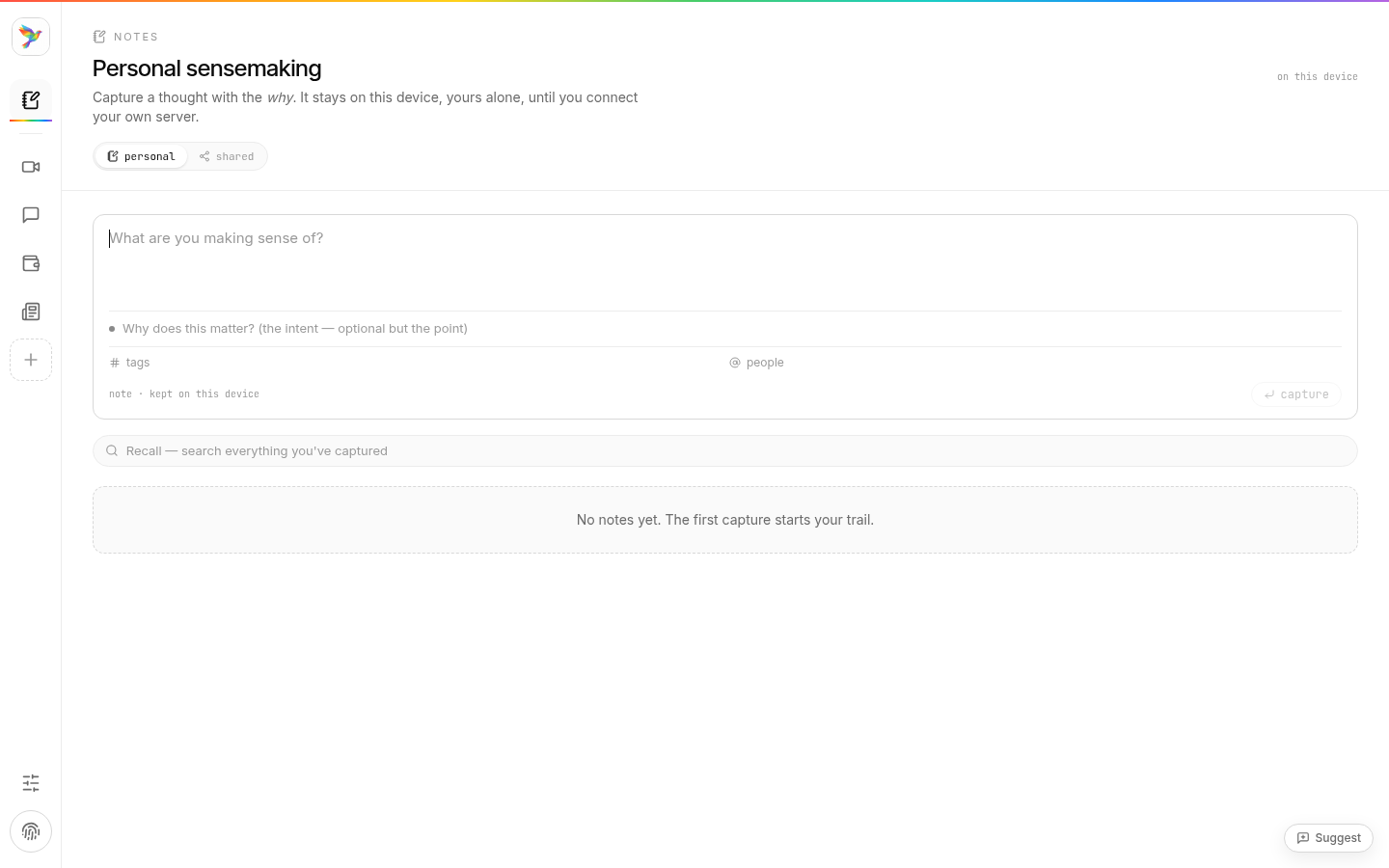
Notes, the people you meet and the groups you join, in one window on your own machine. Built on Murmur, the open-source app underneath every edition.
The first time you open it, macOS asks you to confirm, and Linux needs the file marked as a program. The steps are below. After that, new versions arrive inside the app.
Four steps, once
- Open the download. Double-click
Birdbrain-mac.dmgand drag Birdbrain into Applications. - Open Birdbrain from Applications. macOS says it cannot check the app for malicious software. Click Done (or OK). Nothing is wrong with the file: Birdbrain is not yet registered with Apple, so macOS has nobody to ask.
- Allow it once. Open System Settings → Privacy & Security, scroll to the message about Birdbrain and click Open Anyway, then confirm with your password or Touch ID. On macOS 14 or earlier you can instead right-click Birdbrain in Applications and choose Open.
- Done. From now on it opens like any other app. If you would rather use the Terminal for step 3:
xattr -dr com.apple.quarantine /Applications/Birdbrain.app
One file, either way
- The AppImage runs on most distributions. Mark it as a program, then open it:
chmod +x Birdbrain-linux.AppImage
./Birdbrain-linux.AppImage
On Ubuntu 24.04 and later, installlibfuse2t64first. - Or, on Debian and Ubuntu, the .deb installs Birdbrain with your other apps:
sudo apt install ./Birdbrain-linux.deb
Updates to it ask for your password, because they install for the whole computer.
It needs a 64-bit Intel or AMD machine and a distribution from 2022 or later (Ubuntu 22.04, Debian 12, Fedora 36). Birdbrain keeps your keys in the desktop's keyring, so GNOME Keyring or KWallet should be running, as it is on most desktops. Each Linux file is signed with the same update key as the Mac app, and has a fingerprint beside it: AppImage, .deb.
Signed by us, not yet registered with Apple
Apple only skips that warning for apps signed with a paid developer certificate. Birdbrain does not hold one yet. What it does hold is its own update key: the app checks every new version against it and refuses anything we did not sign. The file's fingerprint (SHA-256) sits beside the download, so you can check that what arrived is what we published.
An experiment, and early
Works today
- Notes, with the reason beside each one. They stay on your computer.
- A catalogue of plugins: ask Birdbrain, chat over Matrix, join the weekly call, invite someone.
- Signing in and your Seed, on birdbrain.wtf.
- Updates inside the app. When a new version is out, it offers Update & restart.
Not yet
- Intel Macs and Windows. You can run Murmur from source.
- Connecting your own server, so notes and the group's memory live with you.
One app, several editions
Birdbrain is one edition of Murmur, the open app (Apache-2.0). Other groups run their own editions of the same code, each with its own name, sign-in and update key. Underneath them all is Seeds, the record of who is here and which of their work held up. The guide explains the idea.